 Smthing Creations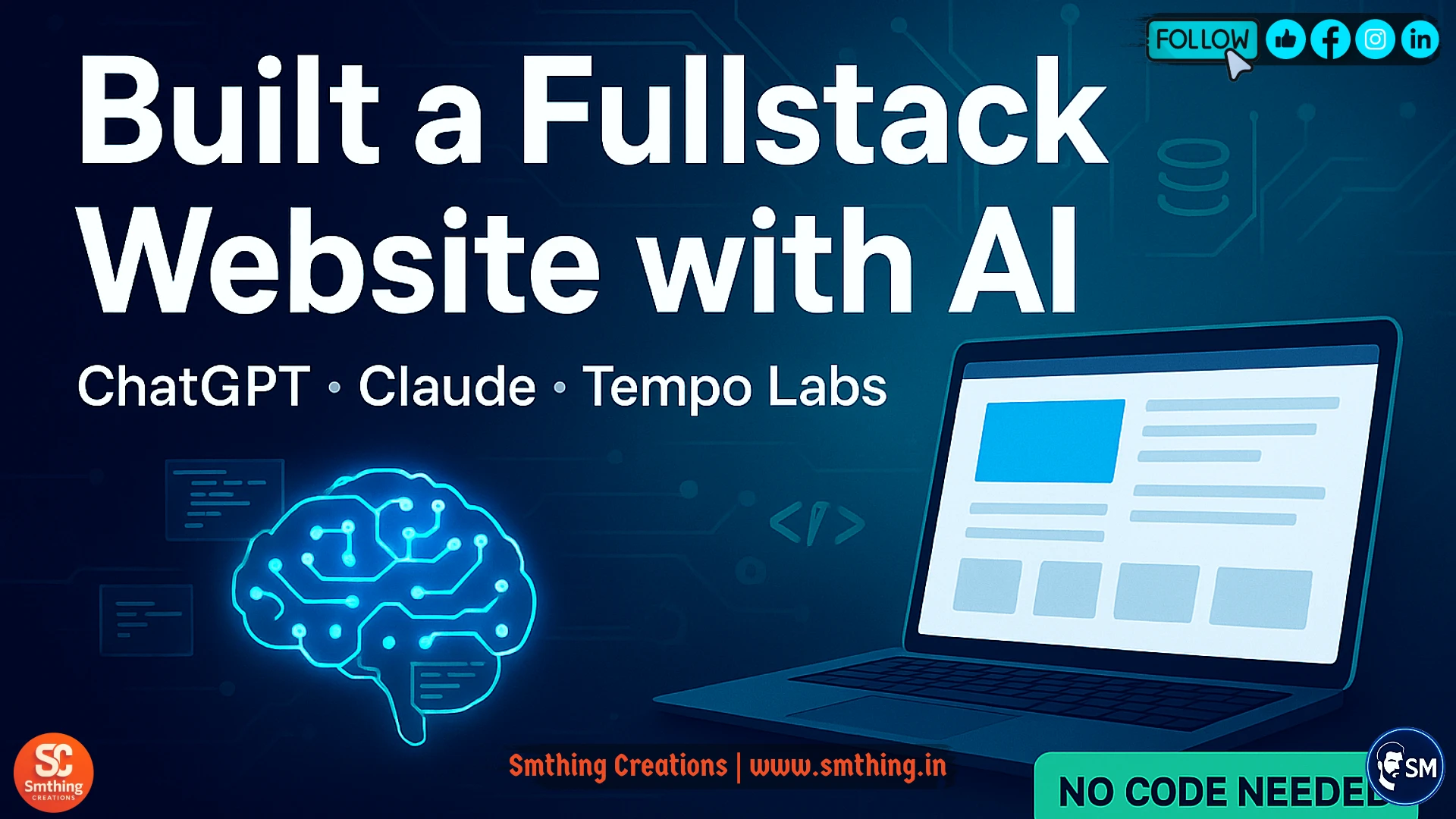
The Challenge: From Idea to Reality Without Coding Skills
Six months ago, I had a brilliant idea for a web application that could help small business owners manage their inventory and customer relationships. The problem was simple but frustrating - I had zero coding experience and definitely couldn't afford to hire a professional development team. Like many entrepreneurs, I felt stuck between having a great concept and lacking the technical skills to bring it to life. That's when I discovered the incredible power of AI development tools, specifically ChatGPT, Claude, and Tempo Labs. These three tools completely transformed my journey from idea to working website, and I want to share exactly how I did it so you can build your own projects too.
The traditional path to building a full-stack website involves learning multiple programming languages, understanding complex frameworks, and spending months or even years mastering web development skills. Most people give up before they even start because the learning curve seems impossible to overcome. However, AI tools have revolutionized this process by acting as intelligent coding partners that can write, debug, and optimize code based on simple instructions. Instead of spending years learning to code, I was able to describe what I wanted in plain English and watch these AI tools transform my ideas into functional code. The entire process took me just three weeks from start to finish, working only in the evenings after my regular job.
Meet Your AI Development Team
ChatGPT: Your Coding Instructor and Problem Solver
ChatGPT became my primary coding instructor and problem-solving partner throughout this entire project. Whenever I encountered an error or needed to implement a new feature, I would simply paste my code and describe what I was trying to achieve. ChatGPT would not only fix the issues but also explain why the problems occurred and how to avoid them in the future. This meant I was learning real programming concepts while building my actual project, rather than working through abstract tutorials that didn't relate to my specific goals. The AI's ability to understand context and provide detailed explanations made it feel like having a patient, knowledgeable mentor available twenty-four hours a day.
Claude: Your Architecture and Database Expert
Claude proved to be exceptional at handling the more complex architectural decisions and database design aspects of my project. While ChatGPT excelled at writing individual functions and fixing specific problems, Claude demonstrated a superior ability to think through the overall structure of my application. When I needed to design my database schema for storing customer information and inventory data, Claude helped me create an efficient, scalable structure that would grow with my business. The AI also excelled at security considerations, helping me implement proper user authentication and data protection measures that I never would have thought of on my own. Claude's responses were consistently well-organized and thorough, making complex concepts accessible to someone with my limited technical background.
Tempo Labs: Your UI/UX Design Partner
Tempo Labs was the game-changing discovery that bridged the gap between AI-generated code and professional-looking user interfaces. Traditional web development requires significant design skills to create attractive, user-friendly interfaces, but Tempo Labs uses AI to generate beautiful React components based on simple descriptions. I could tell the platform "create a dashboard with charts showing inventory levels and recent sales" and it would generate not just the code, but a visually appealing interface that looked like it was designed by a professional team. The tool integrates seamlessly with modern development workflows and automatically generates responsive designs that work perfectly on both desktop computers and mobile devices.
Planning and Breaking Down the Project
My project began with a simple planning phase where I wrote down exactly what my inventory management system needed to accomplish. I wanted users to be able to add products, track quantities, manage customer information, generate sales reports, and receive low-stock alerts. Rather than trying to build everything at once, I broke this down into smaller, manageable features that I could tackle one at a time. This approach prevented me from feeling overwhelmed and allowed me to celebrate small wins along the way. I started with the most basic functionality - adding and displaying products - then gradually added more sophisticated features like user authentication, data visualization, and automated notifications.
Building the Backend: Server and Database
Setting Up the Development Environment
The backend development process was surprisingly straightforward thanks to ChatGPT's guidance. I chose Node.js and Express as my server technology because ChatGPT recommended it as beginner-friendly and well-documented. The AI helped me set up my development environment, install necessary packages, and create my first API endpoints. When I encountered errors during setup, ChatGPT would analyze the error messages and provide step-by-step solutions. For example, when I had database connection issues, the AI not only fixed the code but also explained what each part of the database configuration did and why it was important. This educational approach meant I was gaining a real understanding rather than just copying code blindly.
Database Design and Implementation
Database design and implementation became much less intimidating with Claude's assistance. I had heard horror stories about database design being incredibly complex and error-prone, but Claude guided me through creating a logical, efficient structure for my data. The AI helped me understand concepts like primary keys, foreign keys, and relationships between tables by using simple analogies and real-world examples. When I needed to implement features like search functionality and data filtering, Claude provided optimized database queries that performed well even with large amounts of data. The AI also helped me implement proper backup procedures and data validation rules to ensure my application would be reliable and secure.
Creating the Frontend: User Interface and Experience
Designing with Tempo Labs
Frontend development with Tempo Labs felt almost magical compared to traditional web development approaches. Instead of writing countless lines of HTML, CSS, and JavaScript, I could describe the interface I wanted and watch it come to life instantly. For my inventory dashboard, I simply described wanting "a clean, modern interface with cards showing product information, a sidebar navigation menu, and charts displaying sales trends." Tempo Labs generated beautiful, responsive components that looked professional and functioned perfectly. The generated code was clean, well-organized, and easy to customize when I wanted to make small adjustments to colors, fonts, or layout elements.
Connecting Frontend to Backend
Integration between my backend API and frontend interface required careful coordination, but the AI tools made this process much smoother than expected. ChatGPT helped me design REST API endpoints that followed best practices and provided consistent data formats. Claude assisted with implementing proper error handling and data validation on both the frontend and backend. Tempo Labs generated frontend code that efficiently communicated with my API endpoints and handled loading states and error conditions gracefully. The three tools worked together seamlessly, with each AI contributing its strengths to create a cohesive, professional application.
Security and Authentication
User authentication and security implementation were areas where I initially felt completely out of my depth. Stories about data breaches and security vulnerabilities made me nervous about handling user passwords and personal information. However, Claude provided comprehensive guidance on implementing secure authentication using industry-standard practices. The AI helped me implement password hashing, session management, and proper data encryption. ChatGPT assisted with frontend login forms and user registration flows. Both AIs emphasized security best practices and helped me understand why each security measure was important. The final authentication system was robust and secure, giving me confidence that user data would be protected.
Testing, Debugging, and Optimization
Collaborative Debugging Process
Testing and debugging became collaborative processes with my AI partners. Whenever my application didn't behave as expected, I would describe the problem to ChatGPT or Claude and paste relevant code snippets. The AIs would analyze the issue, identify the root cause, and provide corrected code along with explanations of what went wrong. This process was incredibly educational because I learned to recognize common error patterns and understand debugging techniques. The AIs also helped me implement automated testing procedures that would catch potential issues before they affected users. This gave me confidence that my application would work reliably even as I added new features.
Performance Optimization
Performance optimization was another area where AI assistance proved invaluable. As my application grew more complex, I started noticing slower loading times and occasional performance issues. Claude helped me identify bottlenecks in my database queries and suggested optimizations that dramatically improved response times. ChatGPT assisted with frontend performance improvements, helping me implement lazy loading and efficient data caching. Tempo Labs generated optimized React components that rendered quickly and used minimal system resources. The combination of these optimizations resulted in a fast, responsive application that provided an excellent user experience.
Deployment and Going Live
Deployment and hosting were simplified through AI guidance that demystified what seemed like complex technical processes. Claude recommended appropriate hosting solutions based on my application's requirements and budget constraints. ChatGPT provided step-by-step deployment instructions that were easy to follow, even without system administration experience. The AI helped me set up automated deployment pipelines that would update my live website whenever I made changes to the code. This professional-grade deployment system meant I could push updates quickly and confidently without worrying about breaking the live application.
What I Learned Along the Way
The most surprising aspect of this journey was how much I learned about real web development concepts while building my actual project. Instead of working through abstract tutorials that didn't relate to my goals, every problem I solved and every feature I implemented was directly relevant to my business needs. The AI tools acted as patient tutors that explained concepts clearly and provided context for why certain approaches were better than others. By the end of the project, I had gained a genuine understanding of web development principles, database design, user interface creation, and system architecture. This knowledge will serve me well for future projects and modifications to my current application.
Results and User Feedback
User feedback on the completed application has been overwhelmingly positive, with many people expressing surprise when they learn it was built primarily with AI assistance. The interface looks professional and modern, the functionality works reliably, and the performance is smooth and responsive. Several business owners have asked me to build similar systems for their companies, which has opened up an unexpected revenue stream. This experience has shown me that AI-assisted development can produce results that rival traditional professional development, often with better attention to user experience and modern design principles.
Cost Analysis and Return on Investment
The cost savings compared to traditional development approaches were substantial and worth mentioning for other entrepreneurs considering this path. Hiring a professional development team would have cost tens of thousands of dollars and taken several months to complete. Instead, my total investment was approximately two hundred dollars in AI tool subscriptions and hosting costs, spread over three weeks of evening work. This dramatic cost reduction makes professional-quality web development accessible to small business owners and individual entrepreneurs who previously couldn't afford custom software solutions. The return on investment became apparent within the first month as the application streamlined my business operations and saved countless hours of manual work.
Tips for Success
Effective Communication with AI Tools
The learning curve for using these AI development tools effectively was much gentler than traditional programming education. Instead of memorizing syntax and struggling with abstract concepts, I could focus on describing what I wanted to achieve and understanding the solutions the AI provided. The key was learning to communicate effectively with the AI tools by providing clear, detailed descriptions and asking follow-up questions when something wasn't clear. Over time, I developed better instincts for breaking down complex features into smaller, manageable tasks that the AI could handle efficiently.
Maintaining and Updating Your Application
Maintenance and updates to the application continue to be manageable thanks to the solid foundation created with AI assistance. When I need to add new features or fix issues, I can return to the same AI tools that helped build the original system. The code is well-organized and documented, making it easy to understand and modify even months later. This maintainability was a pleasant surprise, as I had worried that AI-generated code might be difficult to work with over time. Instead, the careful structure and clear commenting created by the AI tools has made ongoing development work straightforward and enjoyable.
Future Plans and Expansion
Future plans for the application include mobile app development, advanced analytics features, and integration with third-party services. The confidence I've gained through this project makes these expansions feel achievable rather than overwhelming. I now understand that complex software development is really just a series of smaller, solvable problems, and AI tools provide incredible assistance in tackling each challenge. The success of this initial project has inspired me to start work on additional applications that could benefit other small businesses in my community.
Advice for Aspiring AI-Assisted Developers
For anyone considering a similar project, I would strongly encourage starting with a clear vision of what you want to achieve but remaining flexible about how to get there. The AI tools work best when you can describe your goals clearly and break down complex features into smaller components. Don't be afraid to ask lots of questions and request explanations when something isn't clear. The AI tools are incredibly patient and helpful, and the more you interact with them, the better you'll become at leveraging their capabilities effectively.
The combination of ChatGPT, Claude, and Tempo Labs created a powerful development environment that made professional web development accessible to someone with no prior coding experience. Each tool contributed unique strengths that complemented the others perfectly. ChatGPT excelled at problem-solving and education, Claude provided architectural guidance and complex logic implementation, and Tempo Labs delivered beautiful, professional user interfaces. Together, they transformed what seemed like an impossible project into an achievable and enjoyable learning experience that resulted in a valuable business tool.